


Counting with a purpose
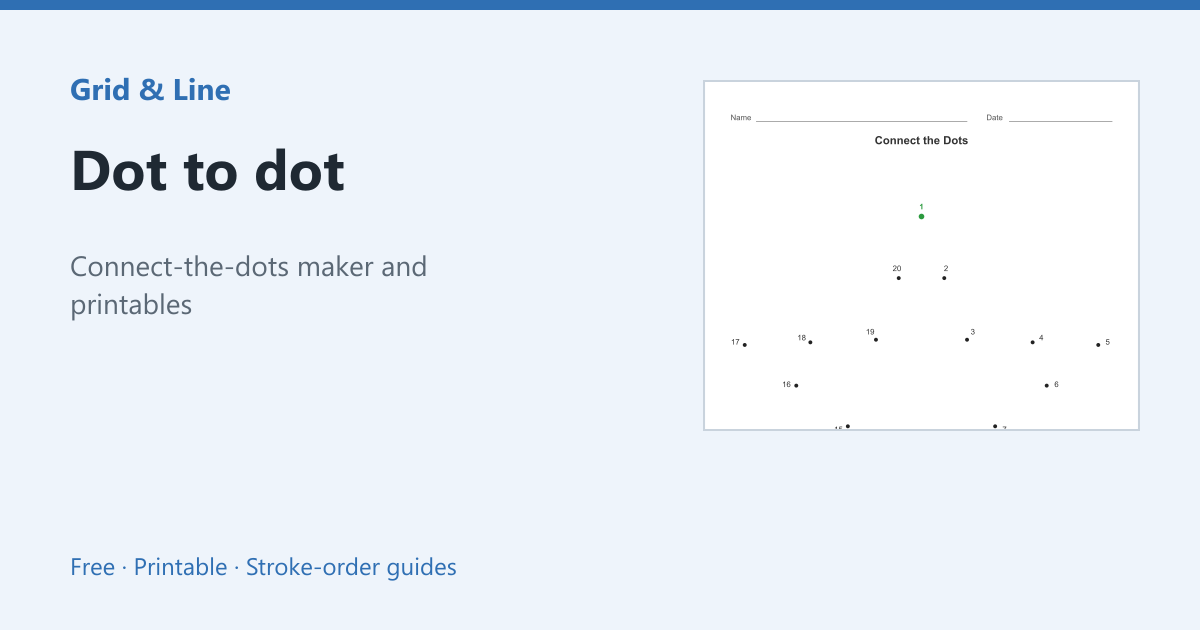
A dot-to-dot page gives counting a visible result. The child finds 1, then 2, then 3, and a picture appears. That feedback keeps practice going longer than a numbered worksheet alone.
Choosing a range
| Range | Typical age | Skills |
|---|---|---|
| 1–10 | 3–4 | Number recognition, short attention span |
| 1–20 | 4–5 | Teen numbers, pencil control |
| 1–50 | 5–7 | Counting across tens |
| 1–100 | 7–8 | Persistence, number order |
Beyond counting
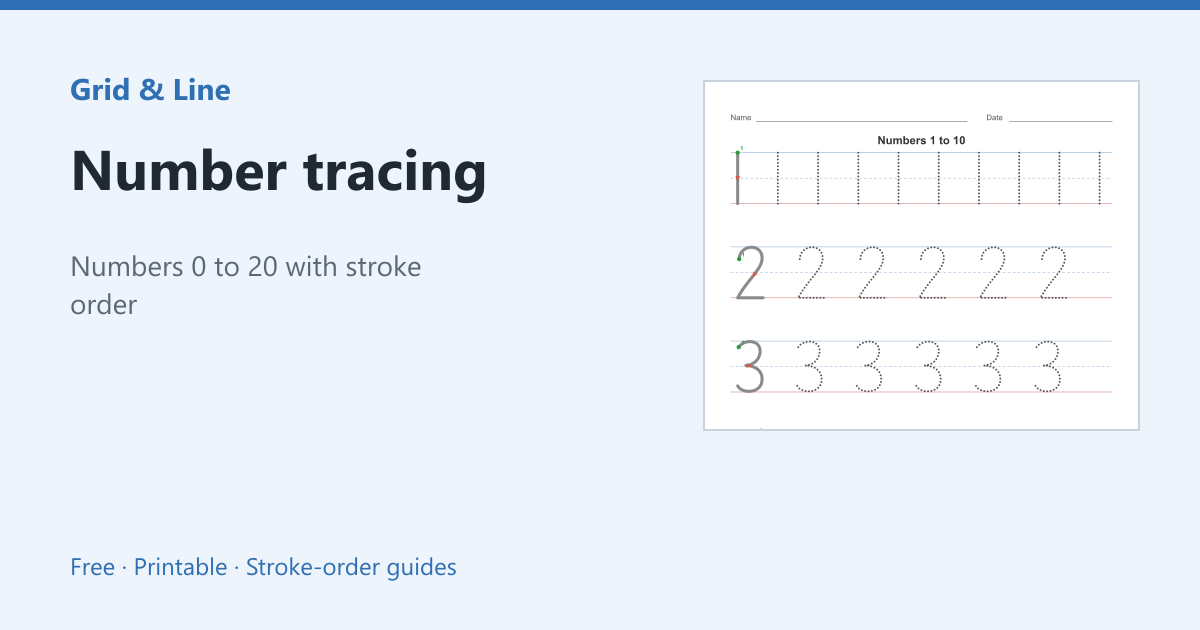
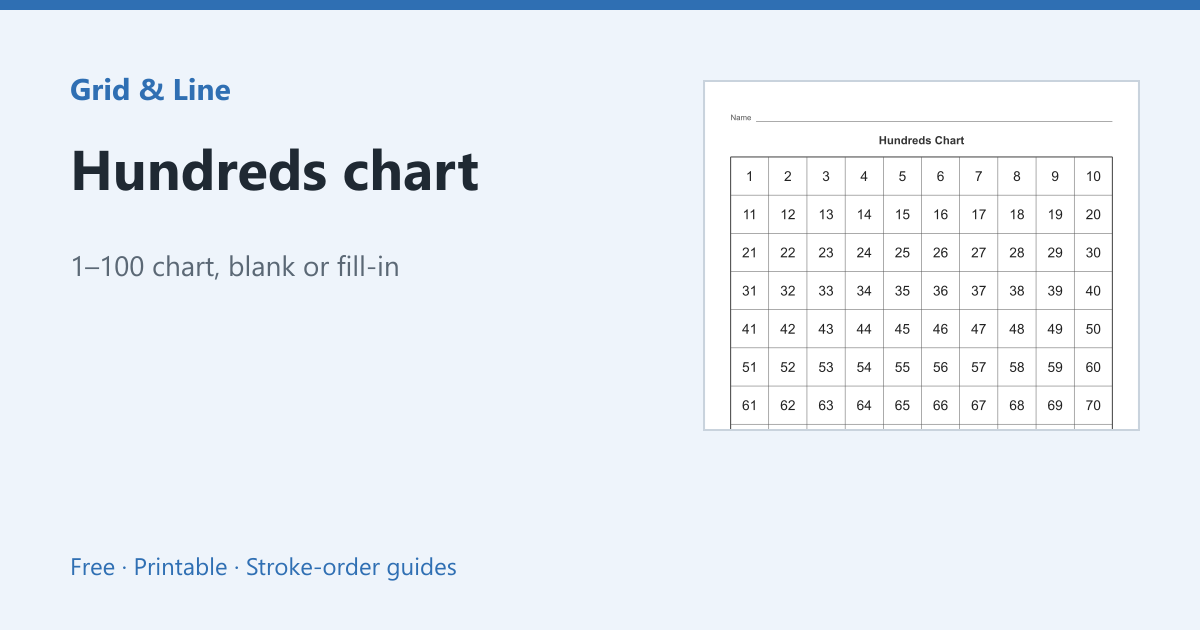
Use skip counting (2s, 5s, 10s) for older children, or blank dots for a child to number themselves. Pair with number tracing for digit formation and a hundreds chart for counting patterns.
In practice
A preschooler counts to 10 but loses interest in a worksheet. A dot-to-dot picture gives each number a purpose: find 4, draw to 5, and the shape slowly appears. The puzzle keeps the child counting without a timer or a reward chart.
Common mistakes
| Problem | Usually because | What to do |
|---|---|---|
| The child cannot find the next number | Dots are too small or crowded | Use a 1–10 puzzle with larger dots |
| The pencil line crosses the picture | Dots are connected by guesswork | Point to the next dot before drawing |
| The puzzle is abandoned | Too many dots for the child’s age | Drop to a shorter range |
 Dot to dot
  Number tracing
  Hundreds chart