


Printable Dot Grid Paper
Dotted paper for bullet journals, sketching and planning. Set the dot spacing, size and color, then print or download a PDF.
Print at “Actual size” or 100% scale so the spacing comes out exactly as set. Everything is made in your browser; nothing is uploaded.
Ready-made Dot grid paper PDFs
Just need one sheet? Download a finished template in Letter or A4.
 5 mm dot grid
  1/4 inch dot grid
 How to make Dot grid paper
- Set the spacing Use 5 mm for bullet journals, or pick 4 mm, 1/4 inch, 1/5 inch, 1 cm or a custom size.
- Pick dot size and color Fine, regular or bold dots in gray, blue or any color.
- Add a header Optionally add a name and date line or a custom title.
- Print or download Download a PDF with as many pages as you need or print it directly.
Why dot grid instead of lines or squares?
A dot grid gives you the structure of graph paper without the visual noise. The dots line up text, boxes and charts, but they disappear into the background once you write or draw over them. That makes dotted pages flexible: the same sheet works as lined paper, graph paper or a blank page depending on what you need that day.
Standard dot spacing
Most bullet journals use 5 mm between dots, which is close to college ruled line spacing, so handwriting fits neatly between two rows. 4 mm suits small handwriting and dense layouts; 1/4 inch is common on US-made notebooks; 1 cm is easier for children and for large diagrams.
| Spacing | Dots on a Letter page (approx.) | Typical use |
|---|---|---|
| 4 mm | 50 × 65 | Small handwriting, detailed trackers |
| 5 mm | 40 × 53 | Bullet journals, planners, sketching |
| 1/4 in | 32 × 42 | Notes, diagrams, US notebooks |
| 1 cm | 20 × 27 | Kids, large charts, dot-to-dot style games |
Ideas for dot grid pages
- Monthly and weekly spreads, habit trackers and mood trackers for a bullet journal.
- Wireframes for apps and websites, where the dots act as a layout grid.
- Hand lettering and calligraphy practice with consistent letter heights.
- Dots and Boxes, the classic pencil game: two players take turns joining dots to close squares.
- Printing your own inserts for ring-bound or disc-bound planners in A5 size.
Printing tips
Gray dots at the regular size are a good default: visible while you work, quiet afterward. If your printer makes fine dots too faint, switch to bold. For journal inserts, choose A5 and print two pages per sheet in your printer settings, or print on A5 paper directly.
Frequently asked questions
What is the standard dot grid spacing?
5 mm between dots is the standard for bullet journals and most dotted notebooks.
Is dot grid paper good for bullet journaling?
Yes. Dot grid is the most popular choice for bullet journals because it works for text, tables and drawings while staying unobtrusive.
Can I print dotted paper in A5 for my planner?
Yes. Choose A5 under Paper size. You can print on A5 sheets or print A5 pages two to a sheet using your printer settings.
Can I change the dot color?
Yes. Pick any color for the dots; light gray and pale blue are the most common.
How is dot grid paper different from graph paper?
Graph paper draws full lines between squares; dot grid paper only marks where those lines would cross, so the page looks much cleaner.
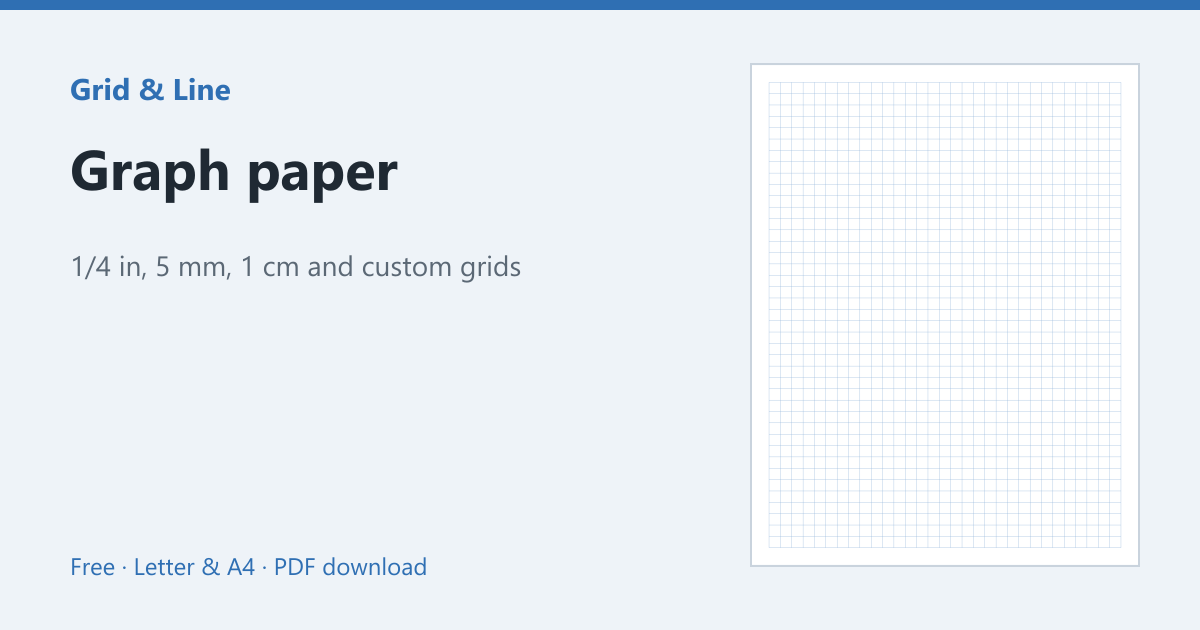 Graph paper
 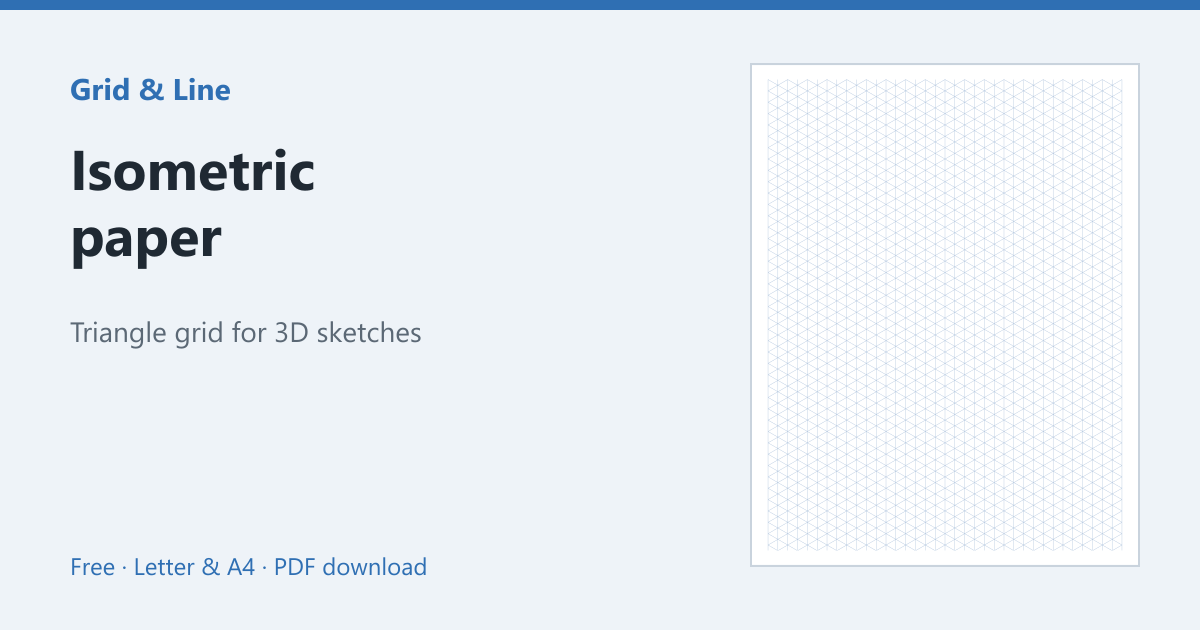 Isometric paper
 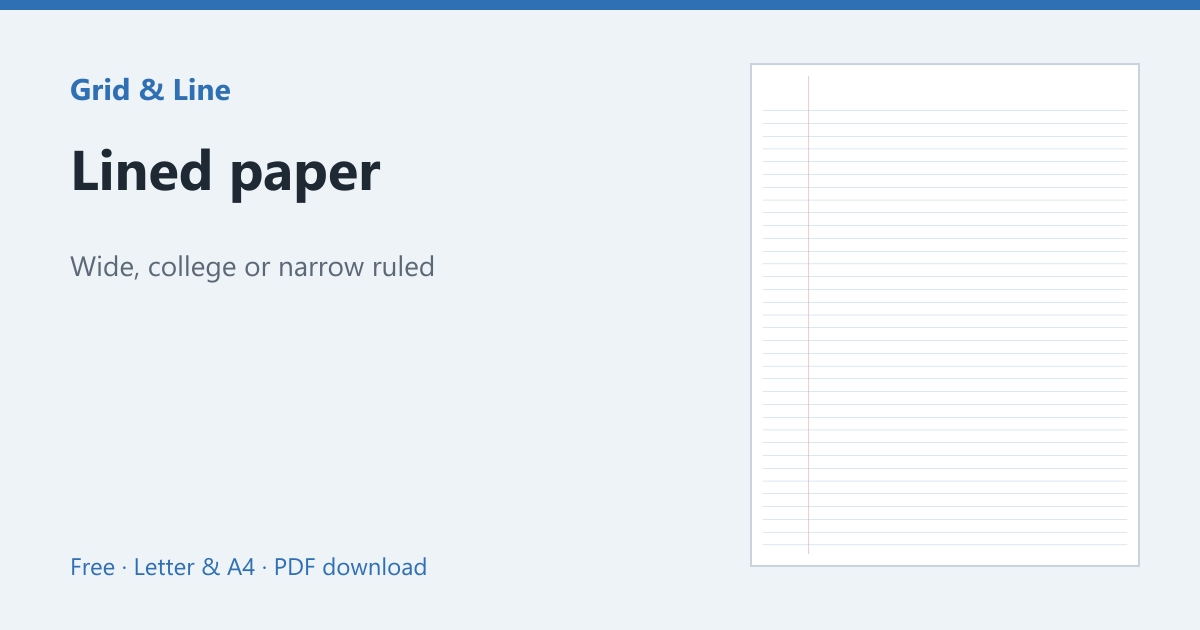 Lined paper
 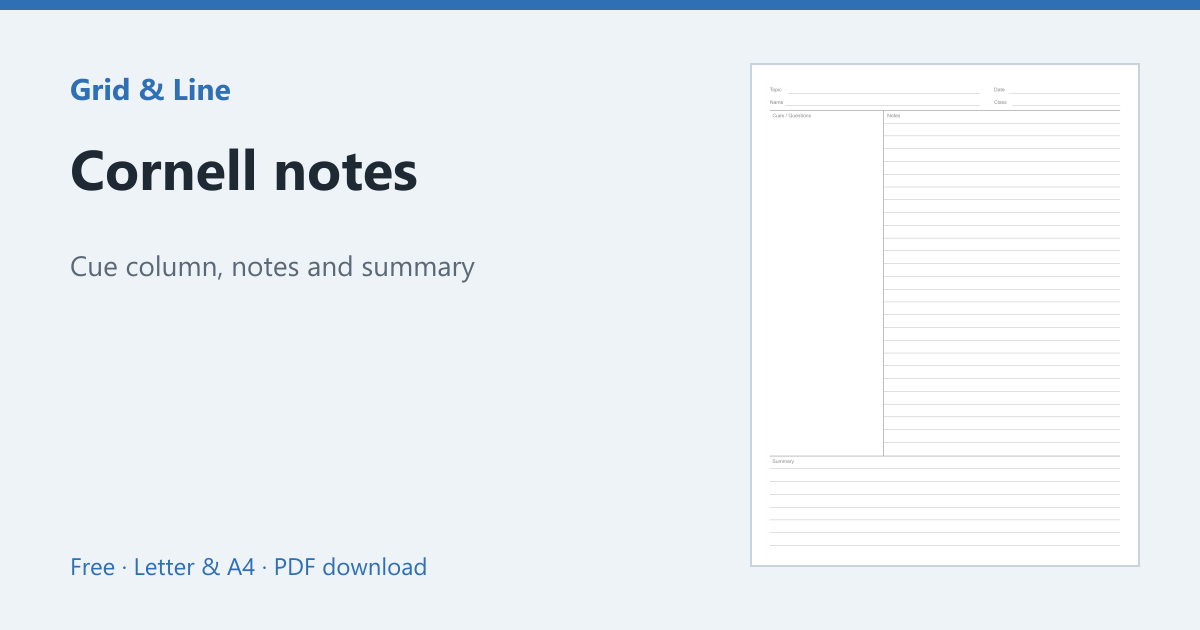 Cornell notes