


Before you start
- Use loose-leaf filler paper, not sheets torn from a spiral notebook. Ragged edges and leftover perforations jam printers.
- Check the size. US filler paper is usually 8 × 10.5 inches, slightly smaller than Letter. Set a custom paper size in the print dialog, or the printer may complain or misalign the page.
- Feed one sheet at a time through the manual or rear feed if your printer has one. Hole-punched edges catch less that way.
- Mind the holes. Load the paper so the punched edge goes in last, or turn it so the holes are on the side the printer does not grab.
Lining text up with the rules
- Set the document’s line spacing to match the paper: 20.25 pt for college ruled (9/32 in), 24.75 pt for wide ruled (11/32 in). In Word or Google Docs, use “Exactly” line spacing, not “Single”.
- Set the top margin so the first line of text falls on the first ruled line. Most filler paper has about 1 inch before the first rule.
- Set the left margin to just past the red margin line, about 1.3 inches.
- Print a test page on plain paper, hold it over a notebook sheet against a window and adjust the top margin in small steps.
The easier alternative
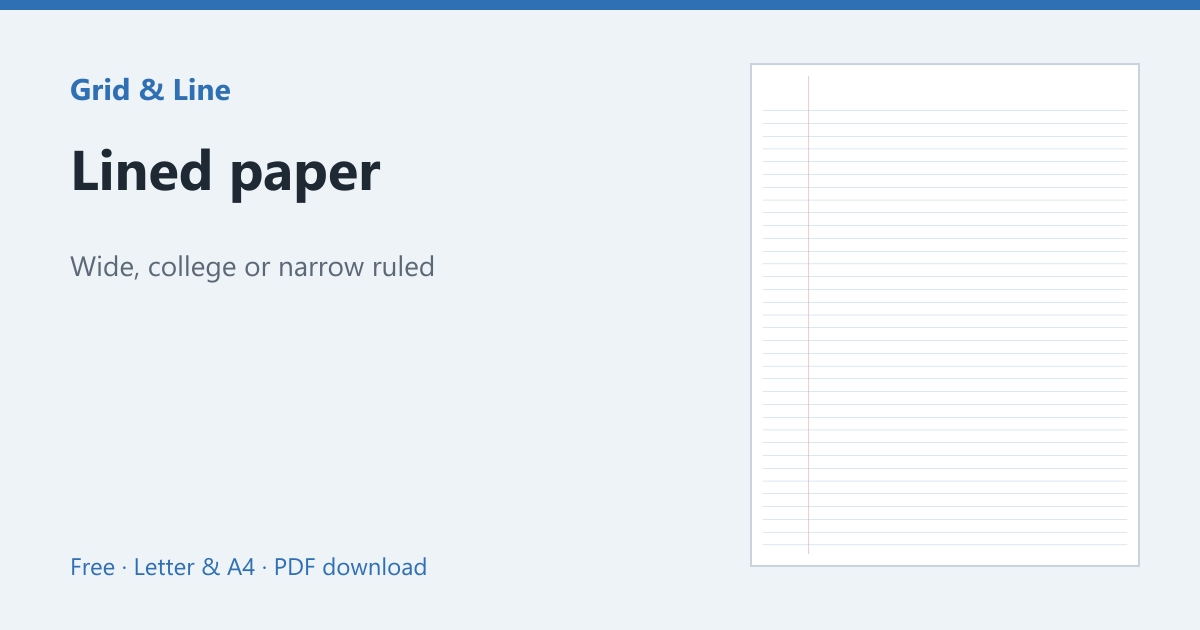
If you only need the look of notebook paper, print the lines yourself. A lined paper template printed on regular printer paper gives the same college or wide ruling, fits Letter or A4 exactly and never jams. You can even print your text and the lines in one go by using the template as the page background in your word processor.
In practice
A teacher wants to add typed prompts to ruled notebook paper without buying special sheets. Printing on the paper works if the printer can feed it, the lines are aligned, and the ink has time to dry before the pages are stacked.
Common mistakes
| Problem | Usually because | What to do |
|---|---|---|
| The paper jams | It is too thin or curled | Use the rear/manual feed and flatten the sheet |
| Text does not sit on the lines | The PDF was scaled | Print at 100% and match the margins |
| Ink smears | Inkjet ink on coated paper | Use plain paper and let it dry |
 Lined paper