


Printable Allowance Chart
Write chores or categories on the left, amounts under each day, then handwrite column and row totals—or switch to a blank budget worksheet. This is not a budgeting app.
Print at “Actual size” or 100% scale so the spacing comes out exactly as set. Everything is made in your browser; nothing is uploaded.
Ready-made Allowance chart PDFs
Just need one sheet? Download a finished template in Letter or A4.
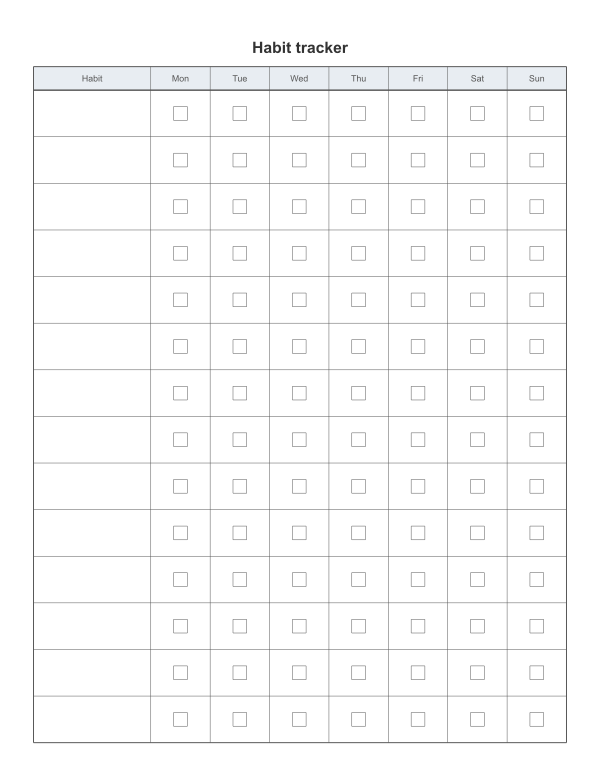 Weekly habit tracker
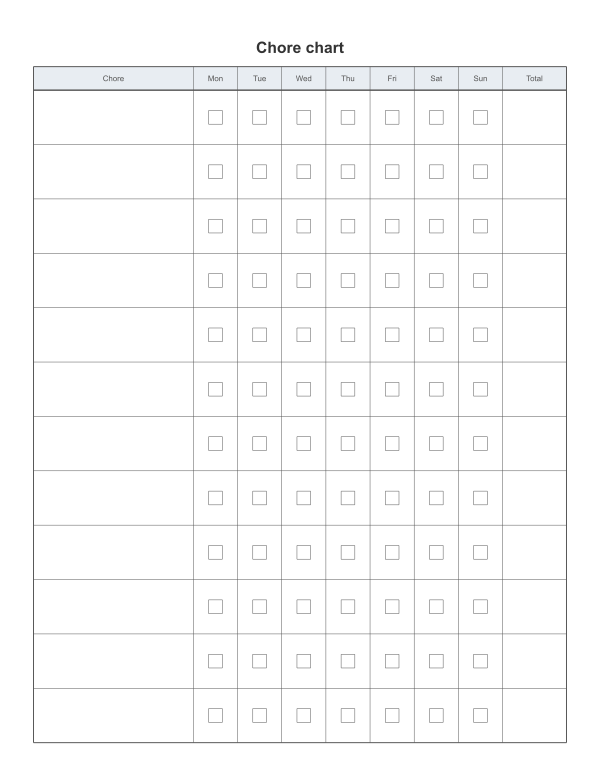 Weekly chore chart
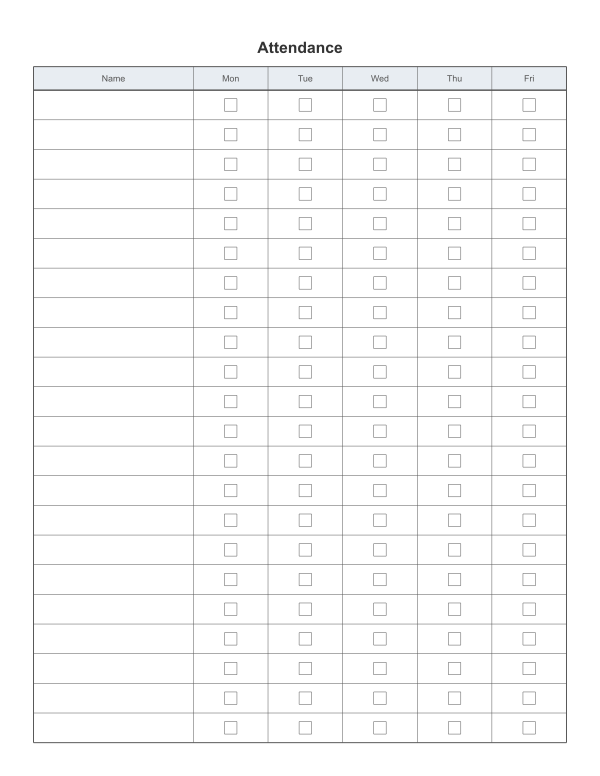 Attendance weekdays
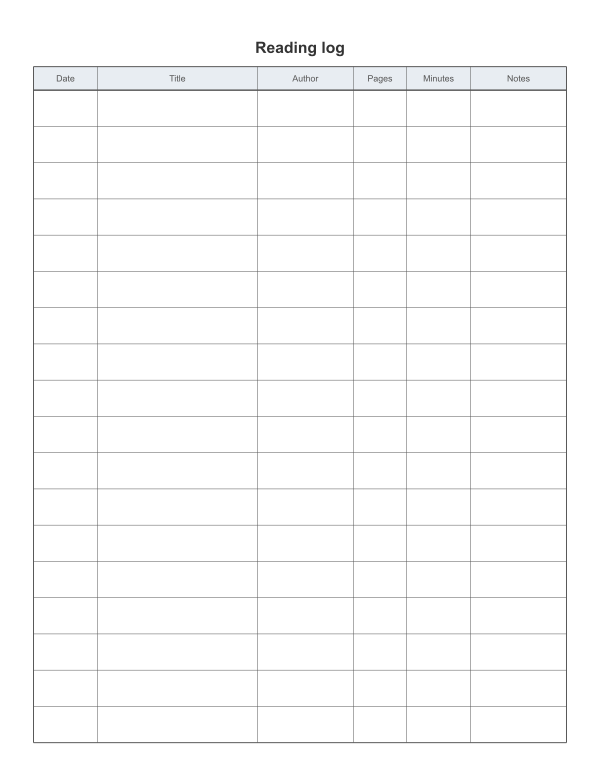 Reading log
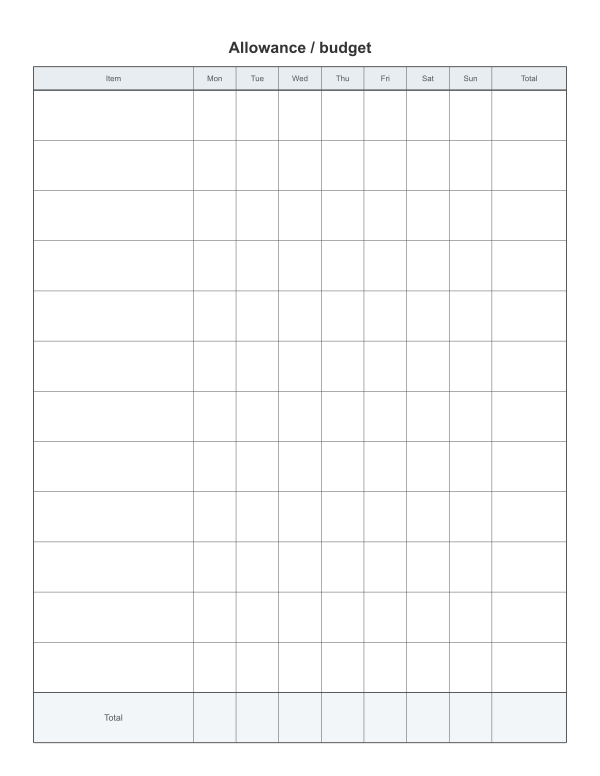 Allowance chart
Paper style templates
Browse 50+ tint and border styles, then reuse them here—or pick a custom color and upload your own background image in the Background panel.
How to make an allowance chart
- Keep the money layout Item + day amount cells + Total column. Choose a bottom Total on every page or only the last page.
- Pick day columns Full week, weekdays, or month days 1–31 (landscape fits month grids better).
- Or switch to budget columns Form layout → Simple budget columns for Category / Planned / Spent / Difference / Notes.
- Print Download the PDF. Keep it on paper; nothing is saved online. Print at 100%.
Blank money chart only
Grid & Line does not calculate balances, sync banks or store spending. The default sheet mirrors common kids’ allowance printables: item, day amounts, a right-hand total column, and an optional bottom total row you fill by hand—useful as a kids allowance tracker next to a chore chart.
Two layouts on this page
- Allowance (days + total) — Item | day amount cells | Total. Day cell style can be blank writing cells (for currency) or checkboxes. Bottom total row can appear on every page or only the last page of a multi-page PDF.
- Simple budget columns — a printable budget worksheet with Category, Planned, Spent, Difference and Notes. Use it as a monthly budget worksheet: one row per category, handwrite Planned vs Spent, then Difference.
What this is not
There is no automatic math and no login. If you only need chore ticks without money, stay on the chore chart. For a generic table, use blank table. How to set each control: allowance & budget guide.
Frequently asked questions
Does this app track my budget online?
No. It only prints a blank chart or budget worksheet. There is no account or calculation.
Can kids use it for pocket money?
Yes. Write the chore or category on the left, amounts under each day, and totals on the right and bottom.
How do I print a simple budget worksheet?
Set Form layout to Simple budget columns. Fill Category / Planned / Spent / Difference / Notes by hand—nothing is calculated for you.
Can I put the total only on the last page?
Yes. Set Bottom total row to On last page only, then raise Pages in PDF.
Will it add up totals for me?
No. The Total column and bottom row are blank on purpose—add amounts by hand.
Is it free?
Yes. Download a PDF with no sign-up and no watermark.